Sim Commander Software Documentation
Last update:
06/27/2021
Completed
How To Disable Voice Control
4763 Views •How To Map Voice Command Button
5386 Views •How To Set Speech Language
4477 Views •How To Uninstall License
4915 Views •How To Stay Connected To iRacing
6285 Views •How To Filter Profile List
5197 Views •How To Auto Tune From Lap
5488 Views •How To Fully Reset A Game To Defaults
5217 Views •How To Reset Profile To Defaults
5717 Views •Sim Commander Heads Up Display (HUD) Gauge Tutorial
7376 Views •How To Auto Discover Games/Profiles
5925 Views •How Do I Use Cloud Tuning?
6548 Views •Game Specific Configuration
10088 Views •How To Remove Cloud Tuning In A Profile
4491 Views •Understanding Configuration Warnings
6077 Views •How To Add Games That Weren't Detected
7682 Views •Managing Games In Sim Commander
11501 Views •How To Reset a Profile To Default Settings
9171 Views •Sim Commander 4.5 Quick Start Guide
53146 Views •Sim Commander API / SDK - Open Game Telemetry
18324 Views •Managing Games In Sim Commander
11501 Views •Game Specific Configuration
10088 Views •How To Reset a Profile To Default Settings
9171 Views •Launching Games in VR
7977 Views •How To Add Games That Weren't Detected
7682 Views •Sim Commander Tuning Quick Start Guide
7572 Views •Compatibility With Other Hardware & Software
7522 Views •Sim Commander Heads Up Display (HUD) Gauge Tutorial
7376 Views •How Do I Use Cloud Tuning?
6548 Views •SimXperience Driver Installation
6440 Views •What Does Cloud Tuning Do?
6419 Views •How To Stay Connected To iRacing
6285 Views •Manually Restore Sim Commander Settings From Backup
6192 Views •Understanding Configuration Warnings
6077 Views •How To Auto Discover Games/Profiles
5925 Views •How To Reset Profile To Defaults
5717 Views •Conditional Effect Group Intro
5489 Views •How To Auto Tune From Lap
5488 Views •How To Map Voice Command Button
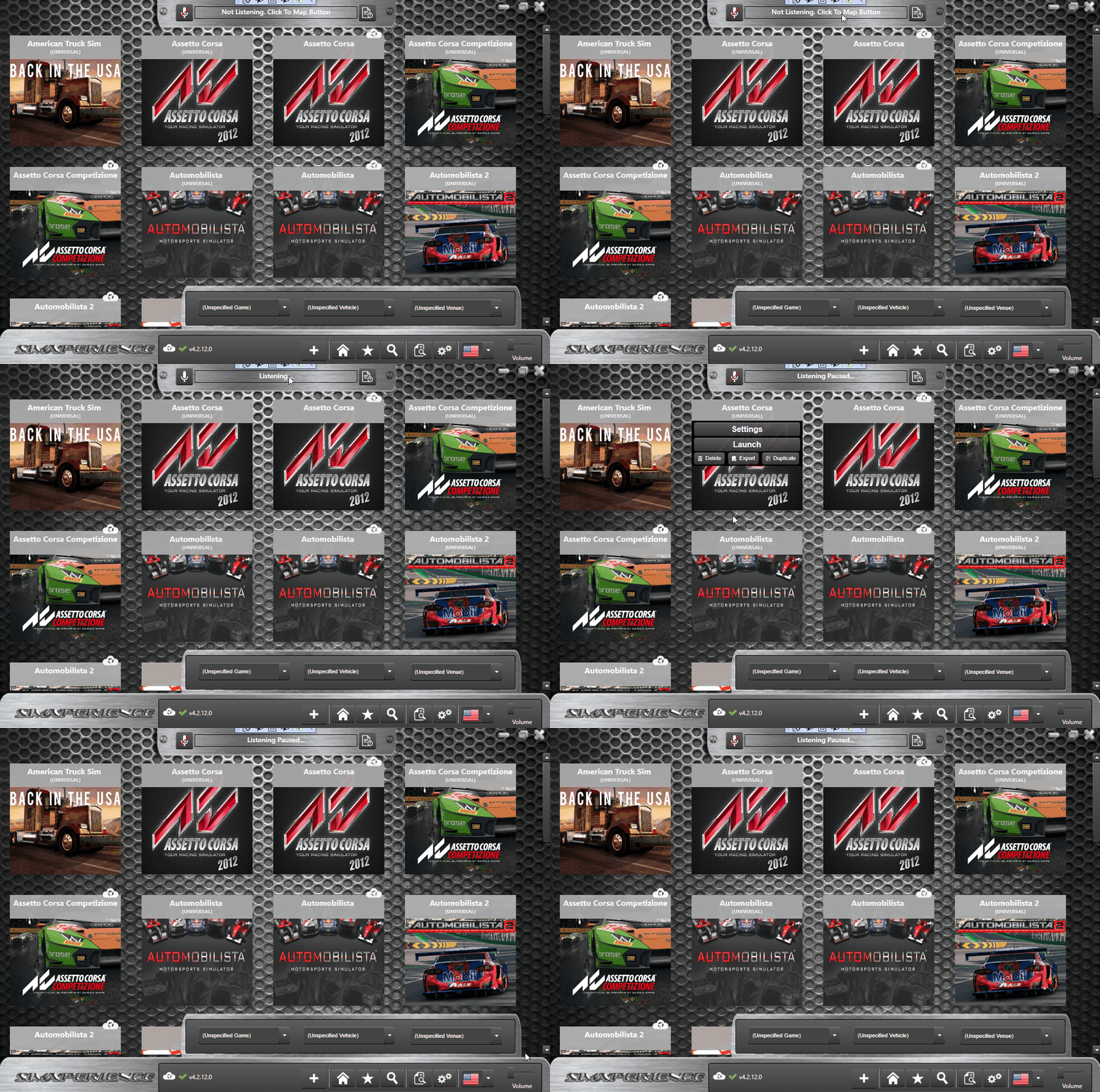
Learn how to map a button on your steering wheel or button box to voice commands such that when you press the button, you can issue a voice command to Sim Commander.
Commenting is not enabled on this course.
Additional Resources
Join this Course to access resources